
 By
By There’s one thing all Photoshop alternatives have in common: They all suck!
Well, at least that’s how it used to be about five years ago.
Now, there are actually good alternatives that you can totally switch over to without ever looking back.
There’s a certain Reddit channel you could go over to see that you’re not the only one who hates Adobe and struggles with their sudden price hikes, predatory moves, and evil privacy policies.
I also hate Adobe with a passion, but even I admit that there is no replacement for Photoshop, mainly when it comes to doing professional work.
The Photoshop alternatives in this list don’t suck, but they do have minor flaws. However, they are more than enough for your daily photo editing, manipulations, and graphic design projects.
Go ahead and try some of these yourself. They are all free to use forever!
1. Affinity
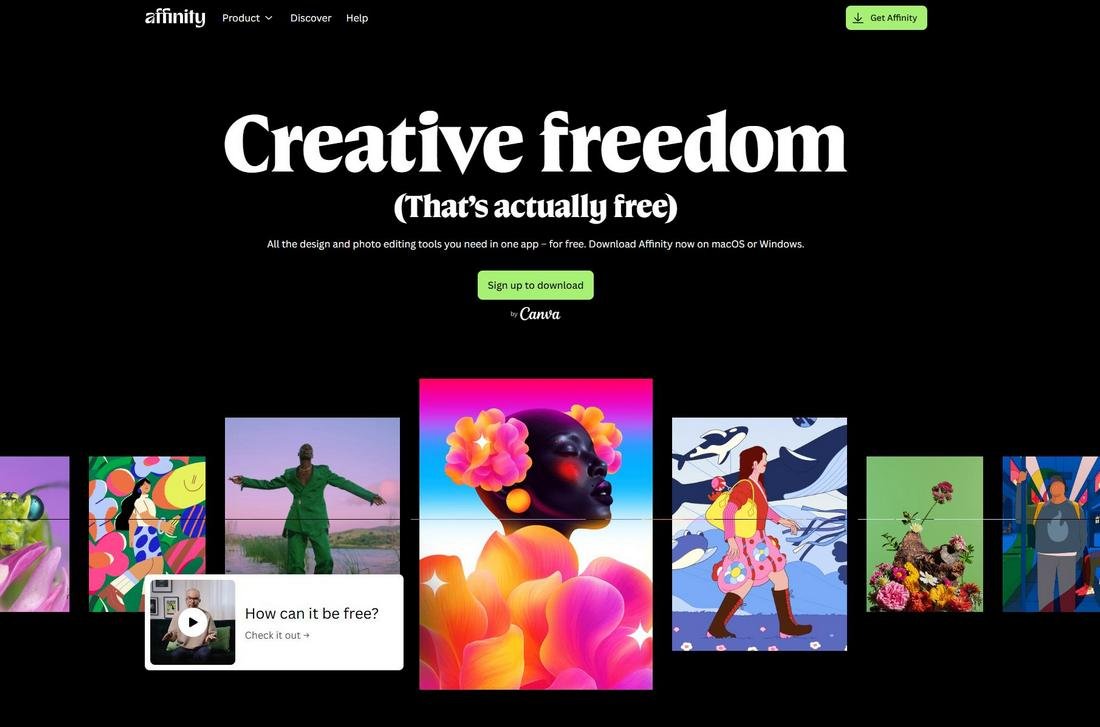
Affinity is the biggest threat to Adobe right now. After being acquired by Canva, Affinity is now available completely free.
This new version of Affinity includes three apps in one package, offering you the ability to do raster and vector editing work as well as document design in one place.
This means you can use Affinity to replace all three major Adobe products, Photoshop, Illustrator, and InDesign.
Affinity is being used by many professionals for their commercial projects. It’s capable of handling high-resolution files and complex designs. But it’s not without minor hiccups.
Many users have complained about small problems like performance issues, pixelation when editing photos, and tools not working as intended on occasion.
Of course, those are pretty minor concerns and nothing compared to the value you get in return. And, with funding from Canva, Affinity will only get better much faster.
Main Features
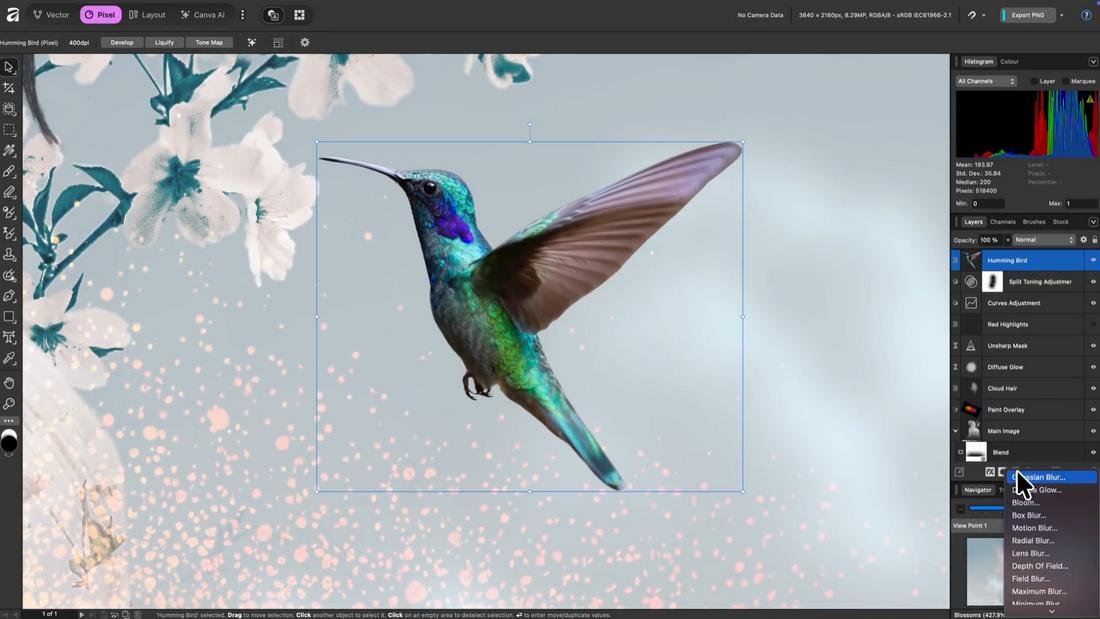
- Does everything Photoshop does for free
- Includes three modules for Pixel, Vector, and Publishing work
- Perfect for professional client projects
- Ability to import PSD files
- Includes AI tools (required paid Canva plan)
- Available on Windows and Mac
2. GIMP
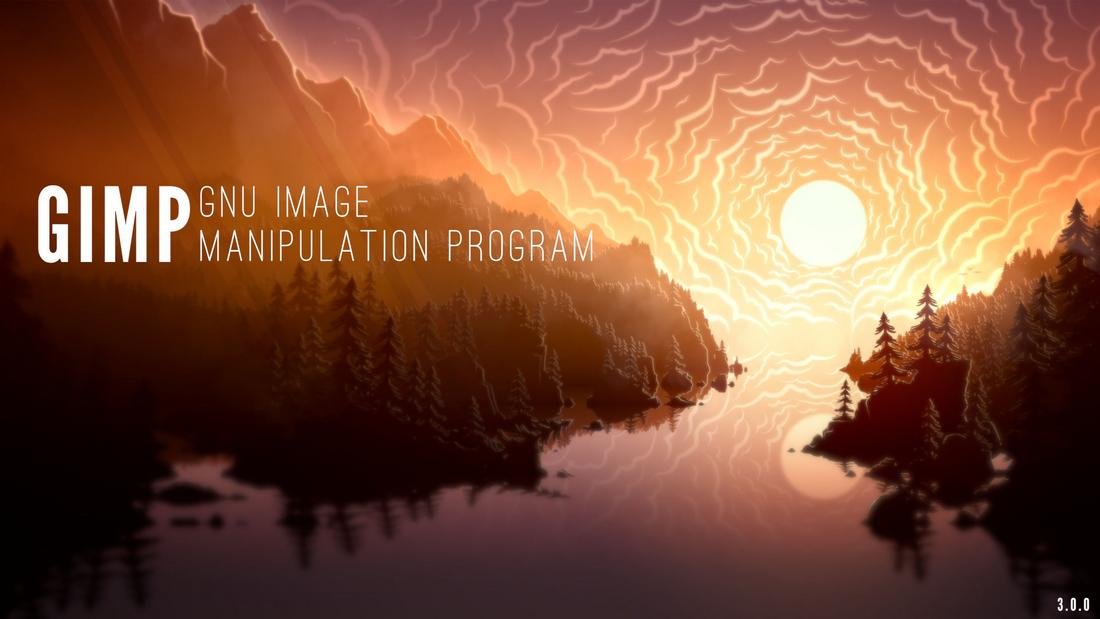
GIMP is the next best thing you can find for a Photoshop alternative right after Affinity.
This app is most popular among Linux users as it’s the only decent photo editor available on the platform.
GIMP is completely free and open-source, but don’t let that fool you into thinking it’s trash. This app can actually go toe to toe with Photoshop.
GIMP recently received a massive upgrade, including a more modern user interface, which makes it not only look modern but also perform like premium software.
You can use GIMP to do all sorts of photo editing and design tasks. It does have a few limitations, like compatibility issues with PSD files. But it’s decent enough for normal, everyday photo editing tasks.
Main Features

- Completely free and open source
- Runs fast on even low-end PCs
- Great for photo editing and decent for illustrations
- Available on Windows, Mac, and Linux
3. Canva
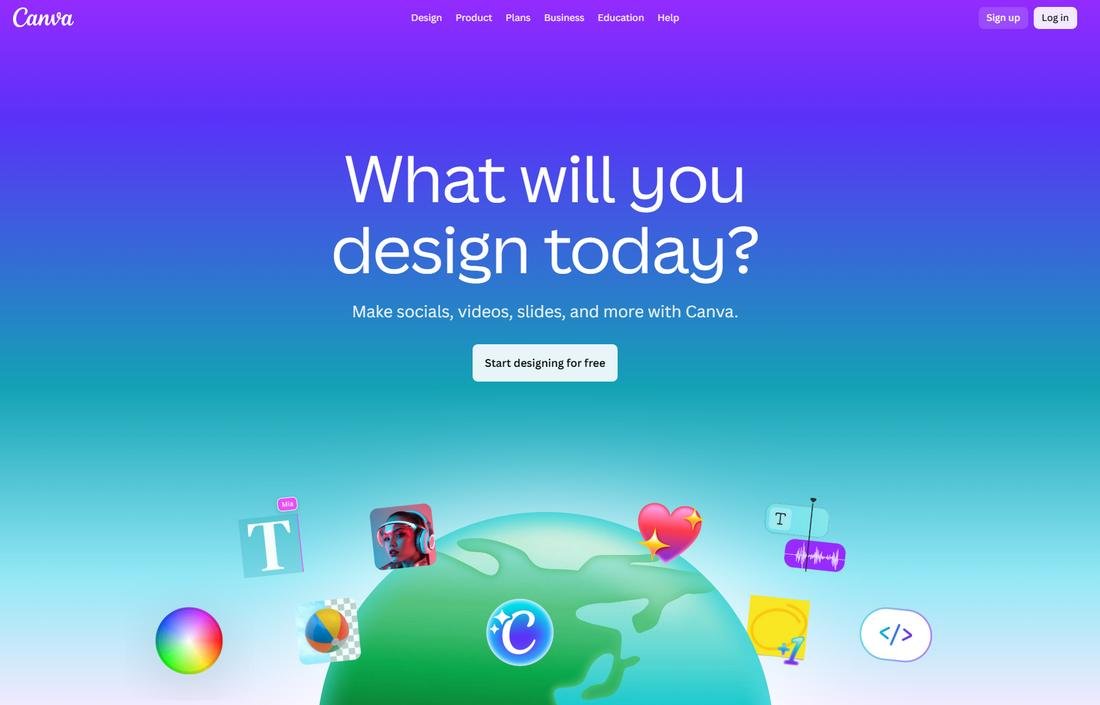
A couple of years ago, I wouldn’t have even considered Canva as a Photoshop alternative. But today, it’s grown into such a massive platform that’s capable of many things. And it deserves a spot on this list.
Canva is now the go-to choice among many newcomers and beginners to graphic design, especially for making quick designs for social media, logos, and documents like eBooks, CVs, and presentations.
Canva has loads of restrictions and doesn’t really offer freedom to design things your way. However, it’s very easy to use and has loads of templates you can use to create designs quickly.
Also, since it runs on your browser, Canva can be accessed anytime on any platform. For those reasons, I often recommend Canva to those who want a simpler app to work on their personal projects.
Main Features
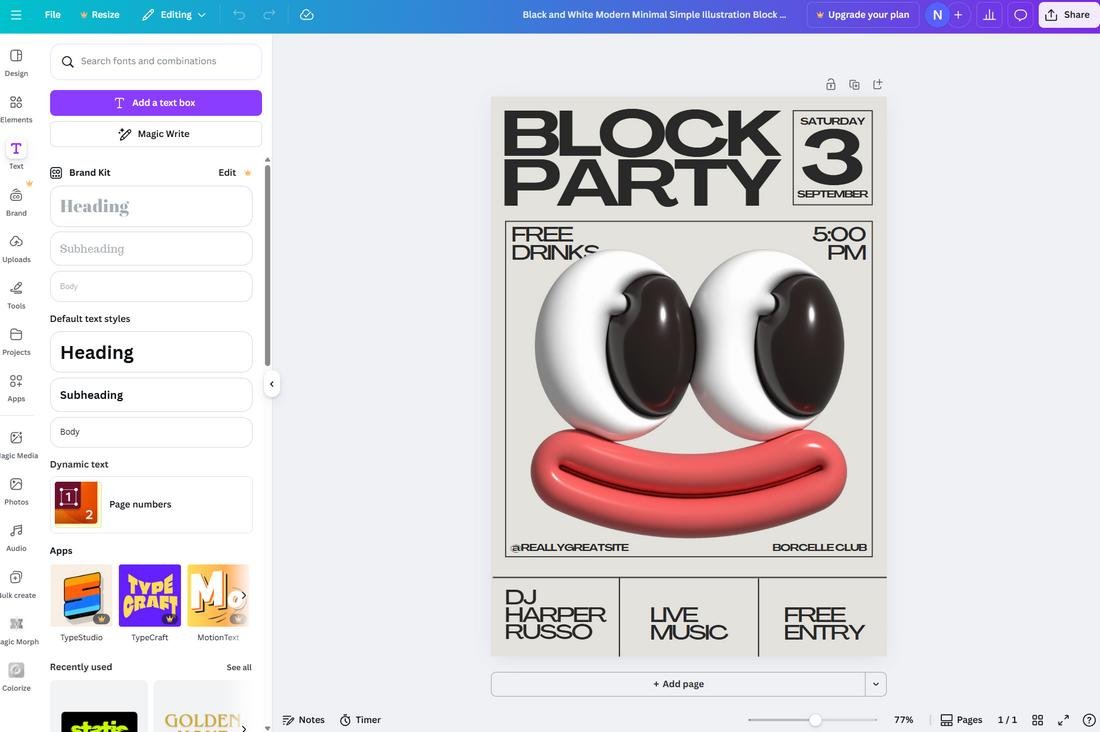
- Very easy to use and doesn’t have a learning curve
- Thousands of templates to get started quickly
- Can design multiple types of graphics and documents
- Perfect for personal projects
- Includes AI tools with paid plans
4. Krita
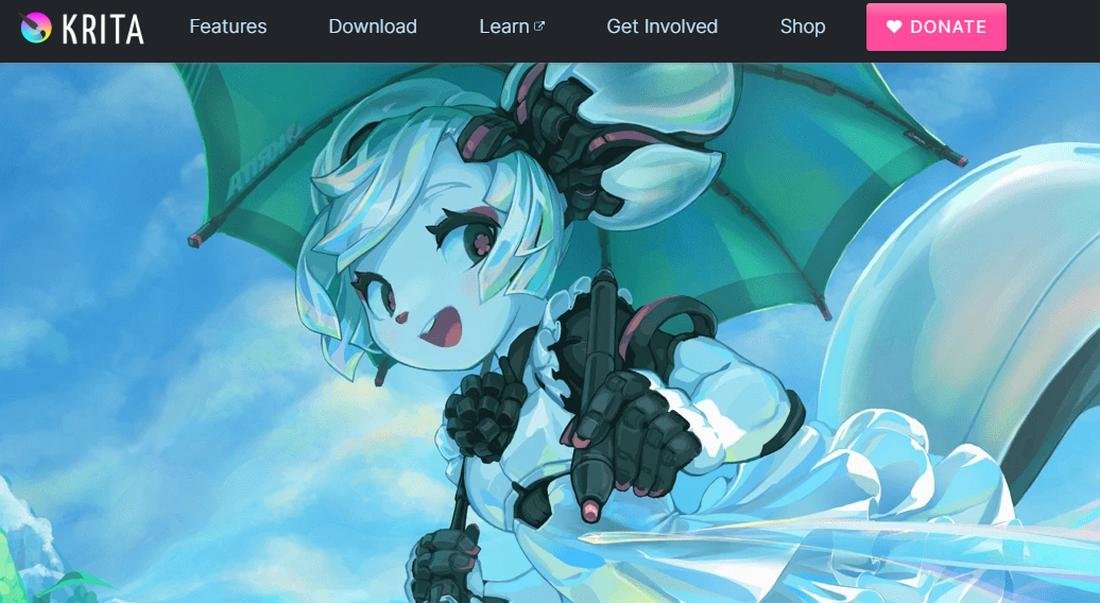
Krita is a popular software among the art community. It’s one of the few, arguably the only, open-source apps available for illustrations.
Even though it’s illustration-focused, Krita is capable of handling photo editing tasks as well.
It’s great for all your basic image editing tasks like resizing, adding text layers, color balancing, and even simple photo manipulations.
Being an illustration-focused app, Krita comes with extensive support for brushes and drawing tablets. So it’s especially great for artists to do artworks, logo designs, and various other graphic design work that require precision.
Main Features

- Great for artists and illustration work
- Decent for basic photo editing tasks
- Supports drawing tablets
- Supports PSD files
- Completely free and open-source
- Available on Windows, Mac and Linux
5. Photopea
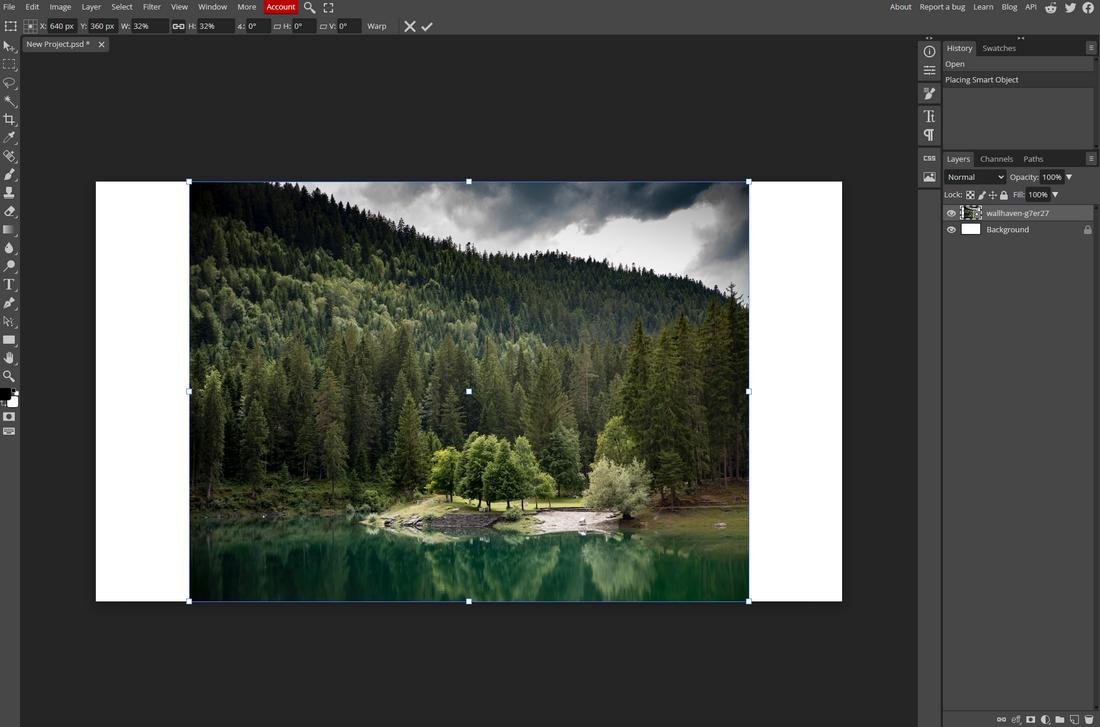
Photopea is a very strange app that runs entirely on the browser. Surprisingly, it offers a lot of cool features that most other apps can’t even compete with.
I’ve used this app daily while I’m on Linux Mint, and it works wonders for many specific tasks.
Obviously, you can use it to do complete graphic designs or photo manipulations, since it runs on the browser. But I was able to use it to open basic PSD files, edit images, and convert images without a hassle.
Being able to access it using a browser on any platform is a huge benefit of this app. Even though it’s limited in capabilities, Photopea can be useful when you need to do quick and simple tasks.
Main Features
- Access anywhere on any platform
- Supports PSD import
- Great for simple image editing tasks
- Completely free to use
Which Photoshop Alternative Is Best?
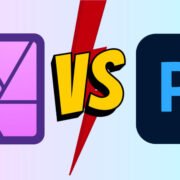
Go with Affinity. It’s that simple. It’s actually the only Photoshop alternative that’s worth switching over to.
GIMP is great for Linux users, but for Windows users, there’s nothing better than Affinity right now.
Affinity gives us hope that there’s a chance of quitting Adobe’s subscription hell and actually having creative freedom. Honestly, I don’t know what Canva will do to it in the future but for right now it’s perfect.